
Today
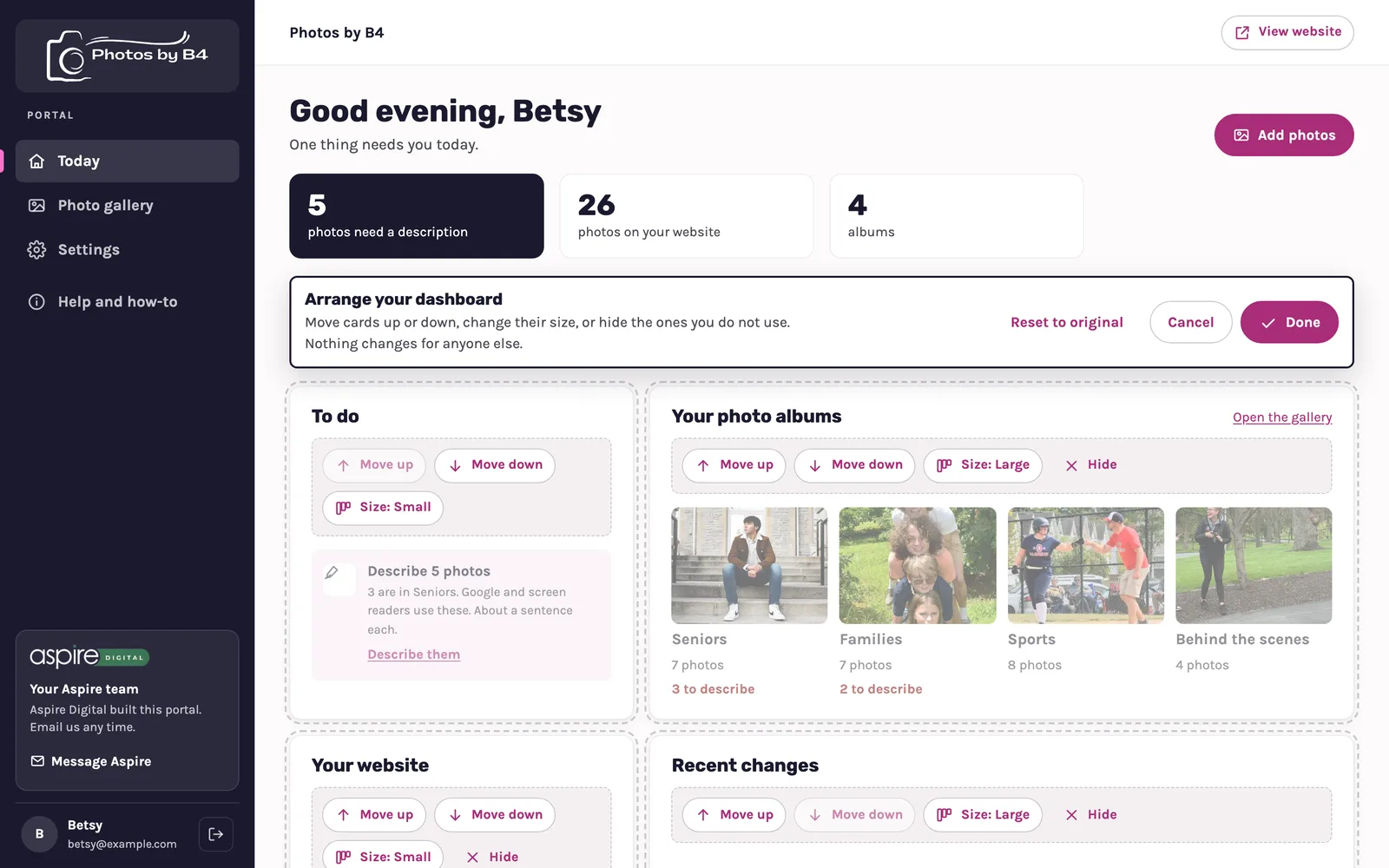
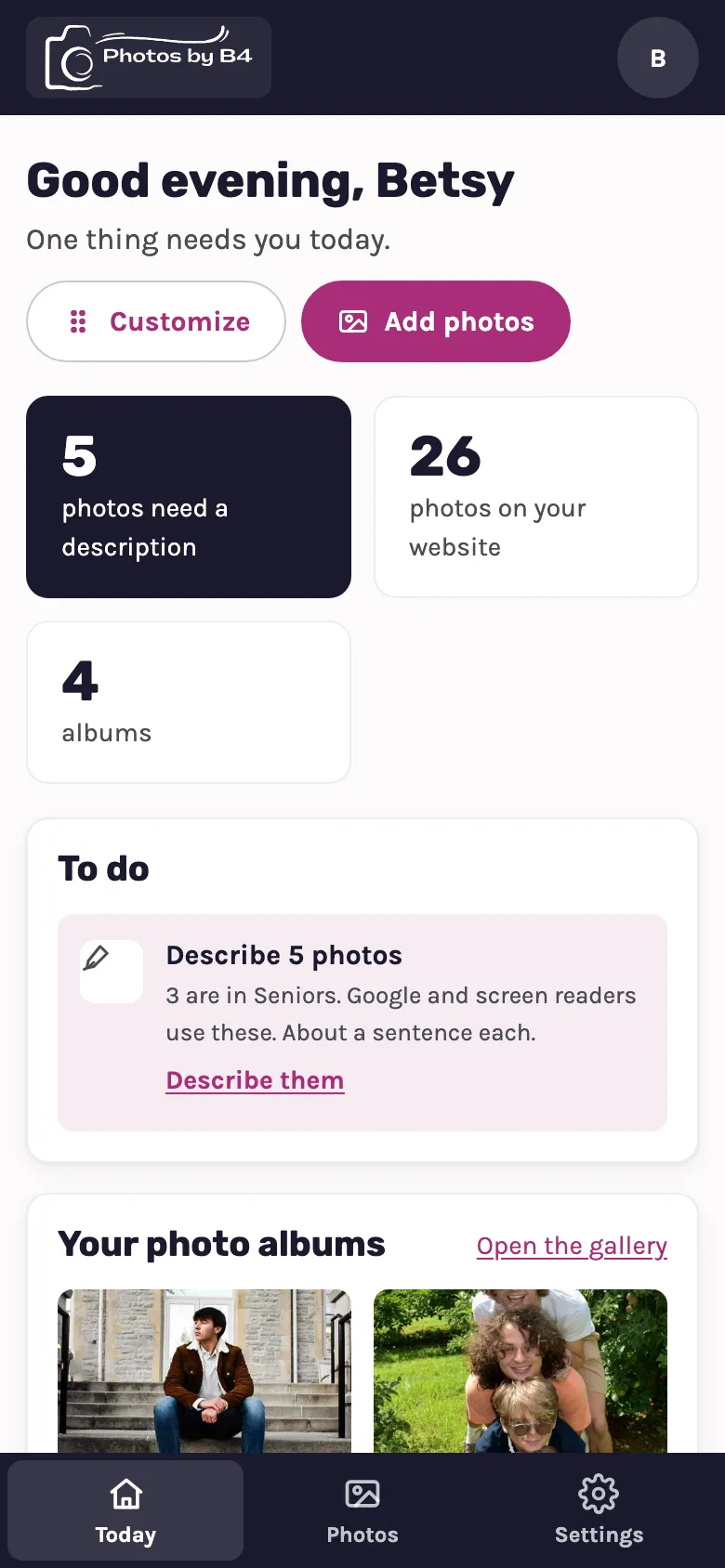
The first screen shows what needs Betsy, worked out from her real gallery: photos still missing a description, how many photos are on the website, and her albums. Add photos is the one big button, because that is the thing she does most.
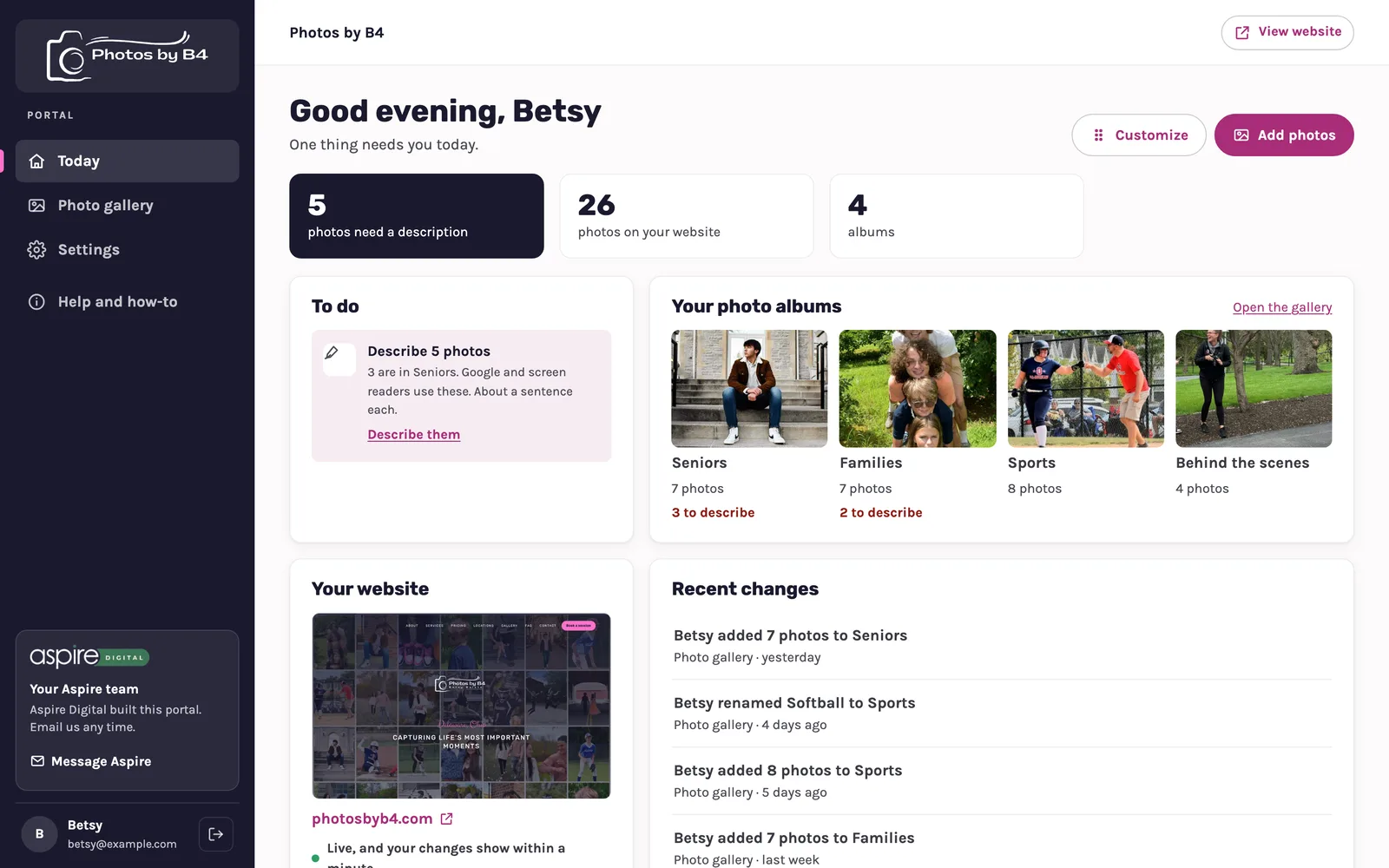
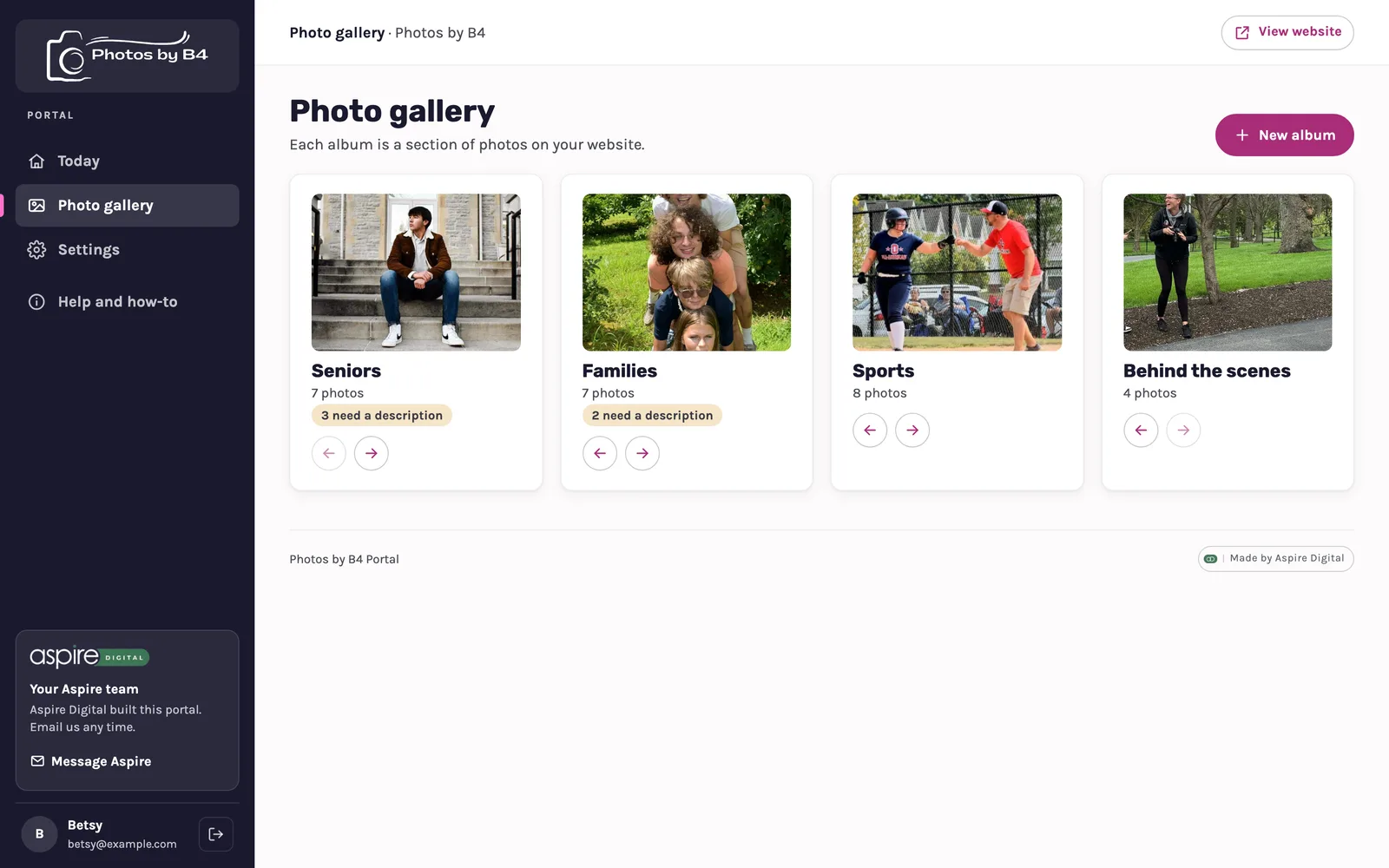
Photo gallery
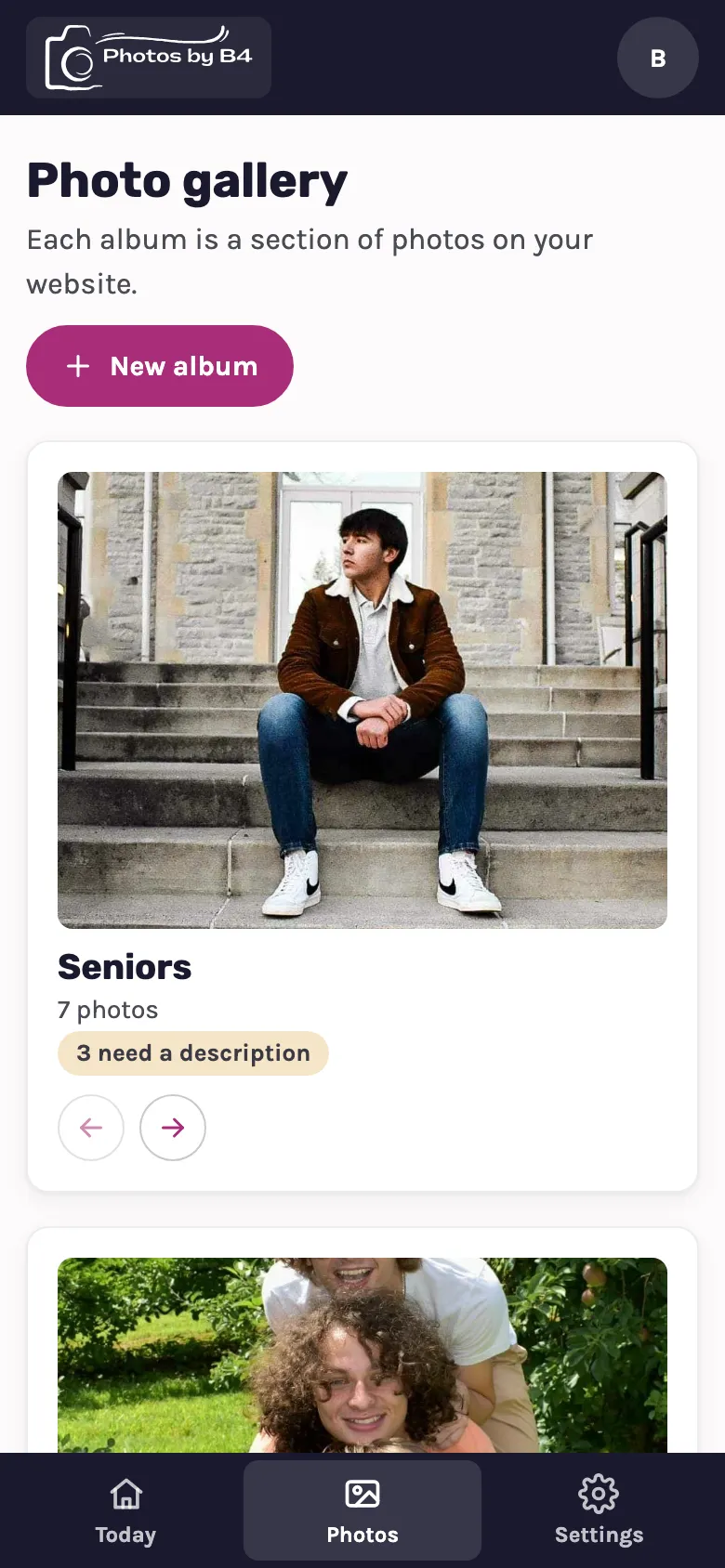
One album per kind of session, the same groups her website uses today: Seniors, Families, Sports and Behind the scenes.
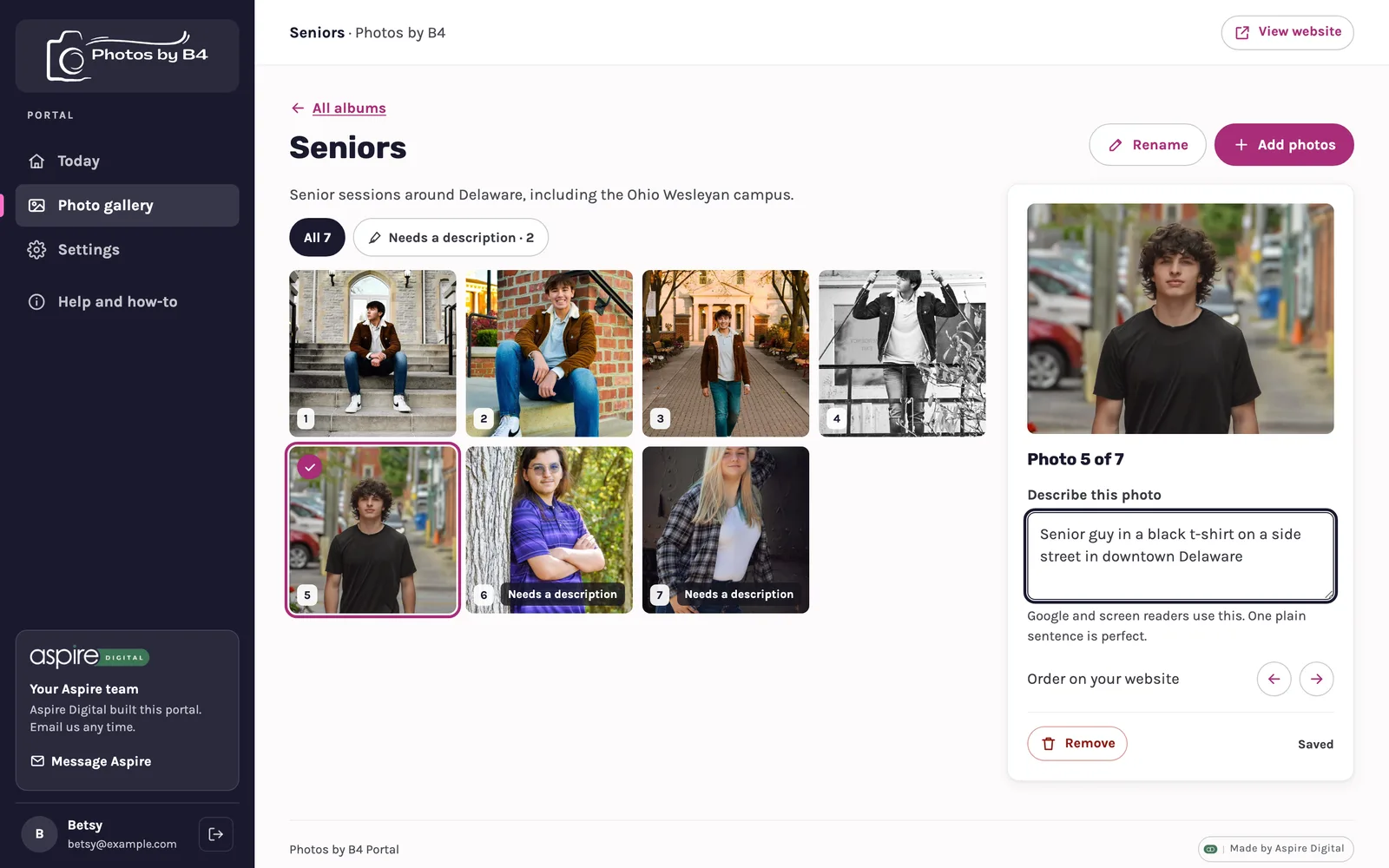
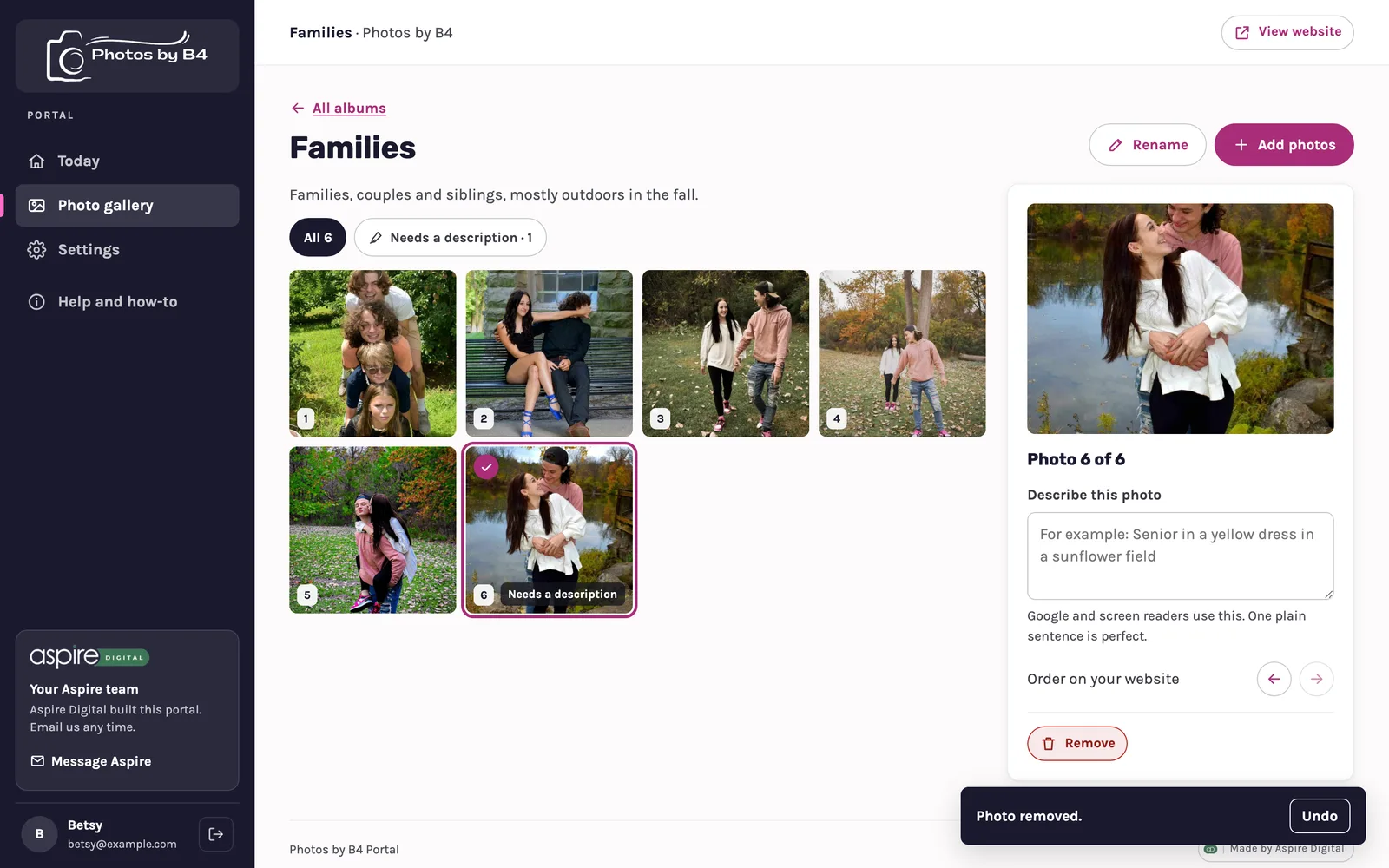
Her dashboard, her way
Betsy can move cards up or down, make them bigger or smaller, or hide the ones she does not use. Reset puts it back.
On a phone
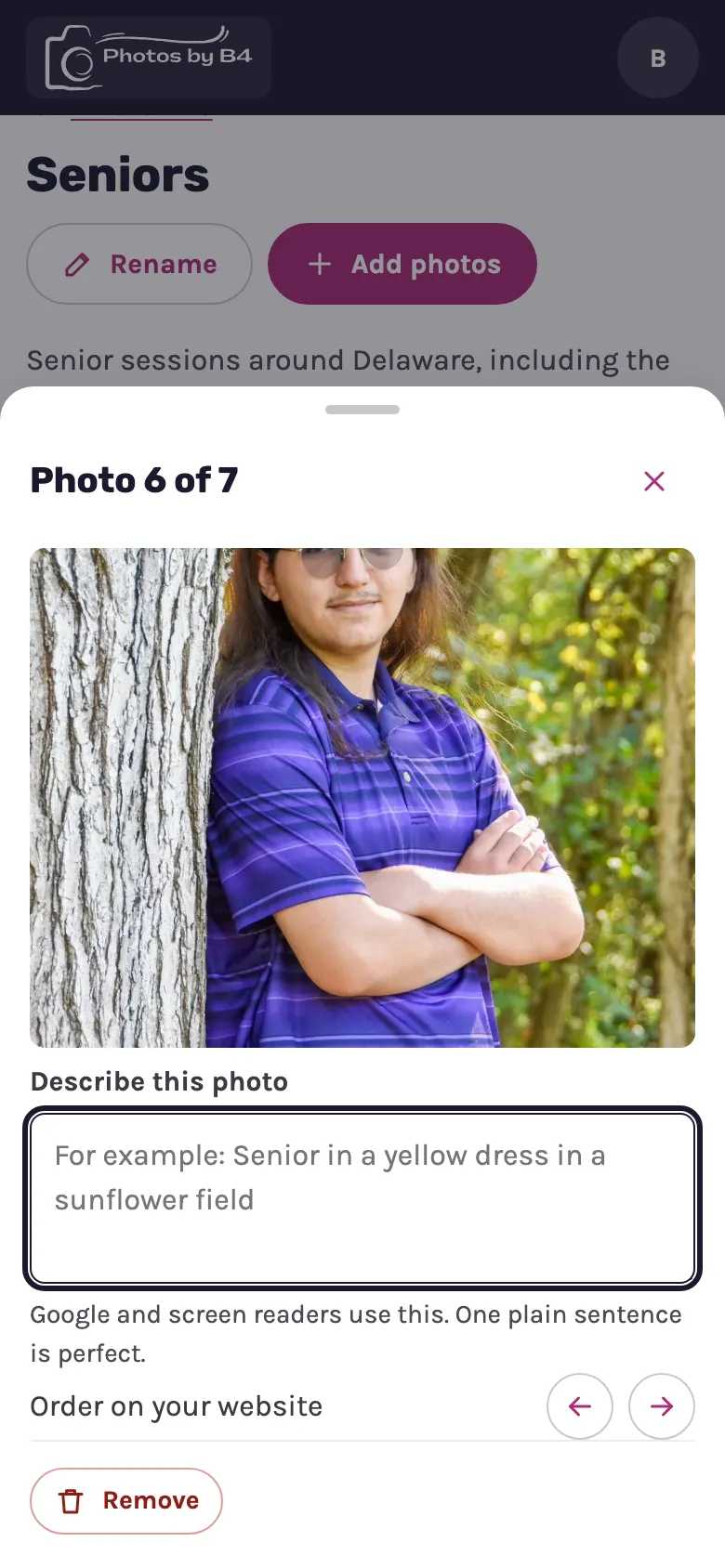
Most of her photos are on her phone, so the portal is built for it first.
How it would fit what Betsy has now
Her website gallery already fills itself from Instagram: when she posts with a category tag like #seniorportraits, the photo lands in the right group on the site. The portal would be where she sees that gallery and tidies it up.
- Two connections are not built yet: pointing her website's gallery at the portal, and having the Instagram sync drop new posts into the matching album here.
- Until then, the "your changes show within a minute" line on the website card would not be true for her site.
- We left out business hours and a team page on purpose. She works by appointment, her open times already live in her booking calendar, and it is just Betsy.
What we could add for a photographer
These are not in the portal kit today. Each would be a new section, built once and reusable for the next photographer.
- Sessions and prices: her Bronze, Silver and Gold packages for families, seniors and sports, so she can change a price without calling us.
- Upcoming sessions: a simple list of who booked what and when, read from her customer system.
- Instagram check-in: the last post pulled in, and any posts skipped because they had no category tag.
- Reviews: choose which reviews show on the website.